Building flows and AI agents in Langflow is one of the fastest ways to experiment with generative AI. Once you've built your flow, you’ll want to integrate it into your own application. Langflow exposes an API for this; we’ve written before about how to use it in Node.js. We've also seen that streaming GenAI outputs makes for a better user experience. So today, we're going to combine the two and show you how to stream results from your Langflow flows in Node.js.
Using the Langflow client
The easiest way to use the Langflow API is with the @datastax/langflow-client npm module. You can get started with the client by installing the module with npm:
npm install @datastax/langflow-client
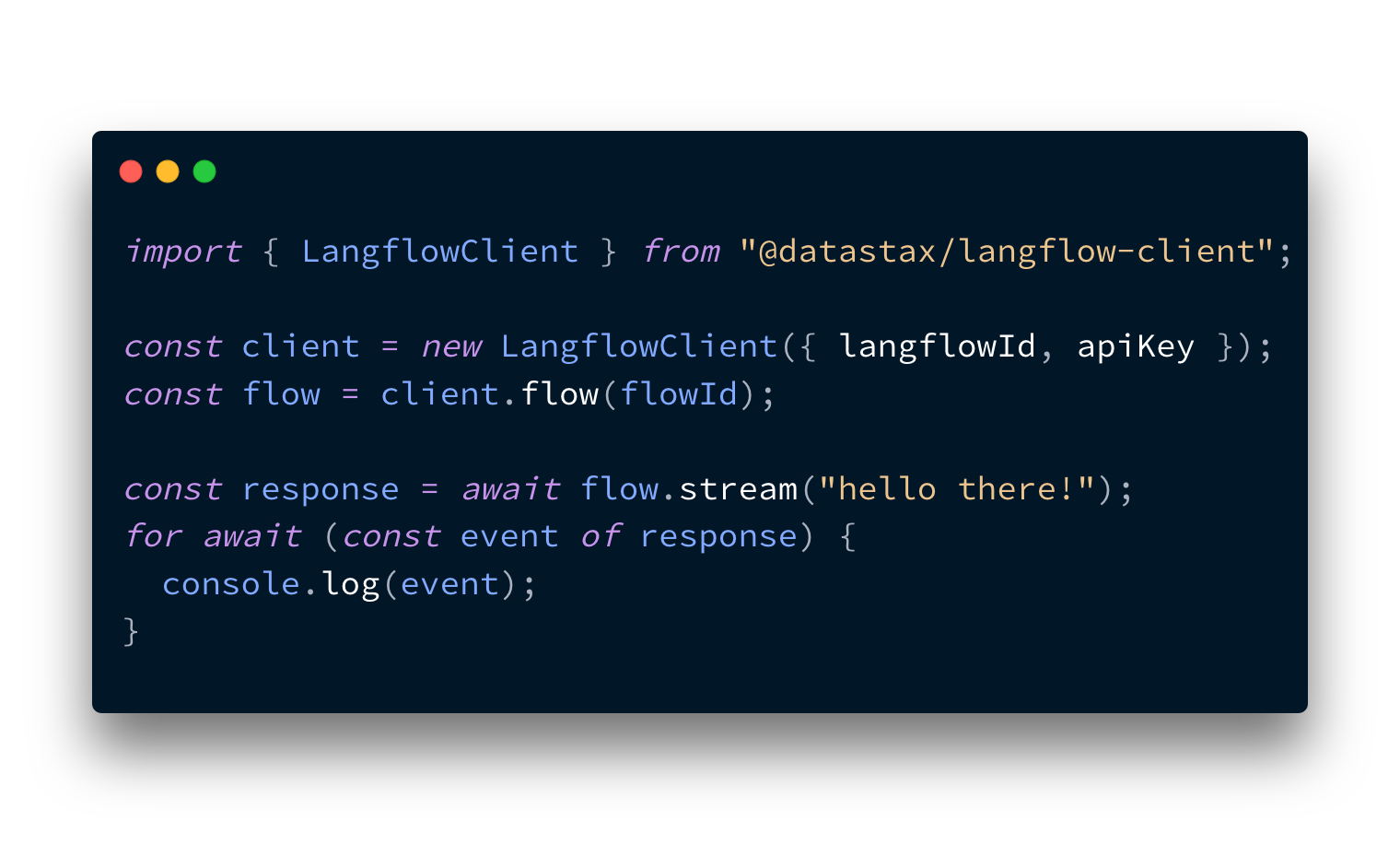
We showed an example of how to set the Langflow client up before, but the quick version starts by importing the client:
import { LangflowClient } from "@datastax/langflow-client"
You then need the URL where you’re hosting Langflow and, if you've set up user authorisation, an API key. You then initialise the client with both:
const baseUrl = "http://localhost:7860";
const apiKey = "YOUR_API_KEY";
const client = new LangflowClient({ baseUrl, apiKey });
Streaming with the Langflow client
To stream through the API, you need a flow that’s set up for streaming responses. A streaming flow needs a model with streaming capabilities and the stream flag turned on, connected to a chat output. The basic prompting example, with streaming turned on, is a good example of this.

If you don't already have a flow, you can use the basic prompting flow as an example.
Once you have your flow in place, open the API modal and get the flow ID.
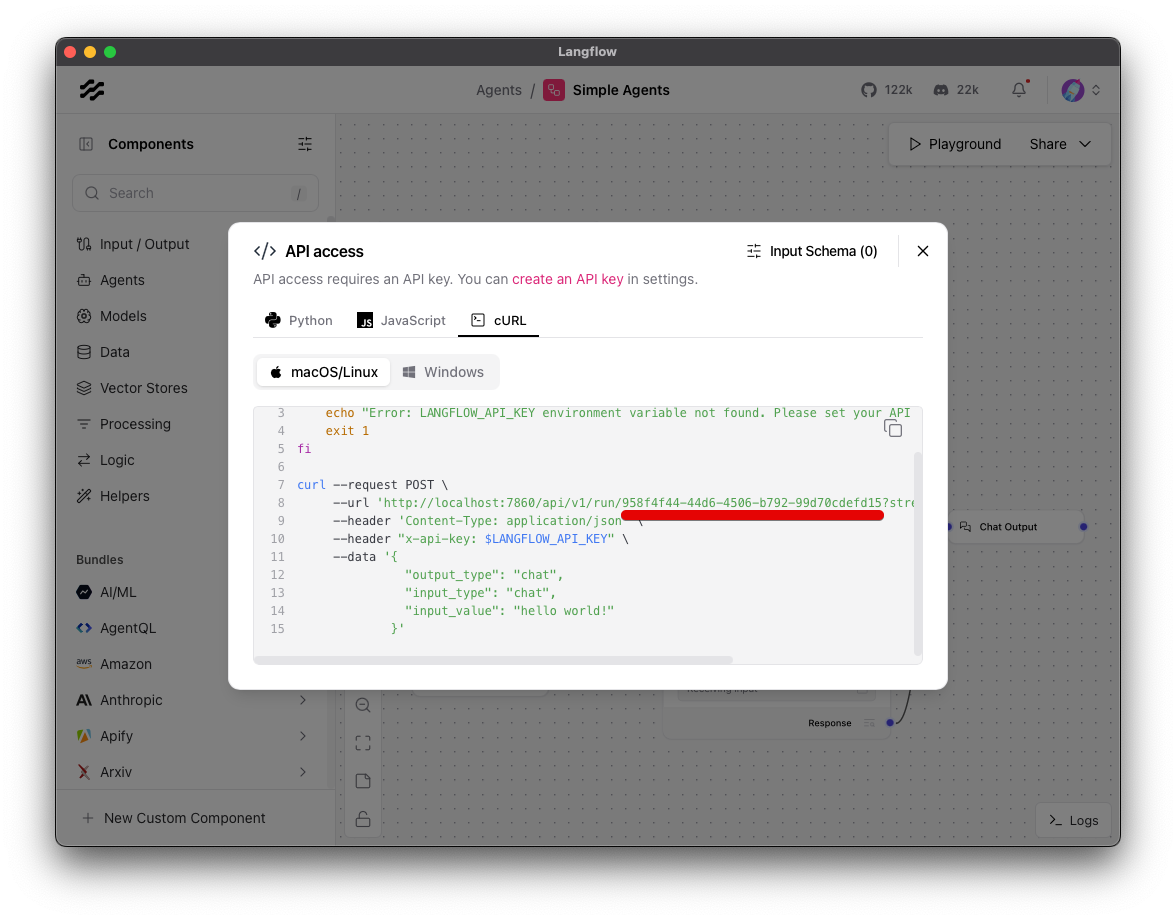
With the flow ID and the Langflow client, you can create a flow object:
const flowId = "YOUR_FLOW_ID";
const flow = client.flow(flowId);
To stream a response from the flow, you can use the stream function. The response is a ReadableStream that you can iterate asynchronously over.
const response = await flow.stream("Hello, how are you?");
for await (const event of response) {
  console.log(event);
}
There are three types of event that the stream emits; this is what each of them means:
add_message: a message has been added to the chat. It can refer to a human input message or a response from an AI.token: a token has been emitted as part of a message being generated by the model.end: all tokens have been returned; this message will also contain the same full response that you get from a non-streaming request
If you want to log out just the text from a flow response you can do the following:
const response = await flow.stream("Hello, how are you?");
for await (const event of response) {
  if (event.event === "token") {
    console.log(event.data.chunk);
  }
}
The stream function takes all the same arguments as the run function, so you can provide tweaks for your components, too.
Integrating with Express
If you want to make an API request from an Express server and then stream it to your own front-end, you can do the following:
app.get("/stream", async (_req, res) => {
  res.set("Content-Type", "text/plain");
  res.set("Transfer-Encoding", "chunked");

  const response = await flow.stream("Hello, how are you?");

  for await (const event of response) {
    if (event.event === "token") {
      res.write(event.data.chunk);
    }
  }

  res.end();
});
We explored how you can handle a stream on the front-end in this blog post.
Stream your flows
Langflow enables you to rapidly build, experiment with, and deploy GenAI applications and with the JavaScript Langflow client you can easily stream those responses in your JavaScript applications.
Please do try out the Langflow client; if you have any issues, please raise them on the GitHub repo. If you're looking for more inspiration for building AI agents with Langflow, check out these posts that cover how to build an agent that can manage your calendar with Langflow and Composio or see how you can build local agents with Langflow and Ollama.